AI automation” meant something narrow two years ago: a workflow builder with a GPT step bolted on. In 2026 it spans a spectrum — from classic trigger-based workflow tools that added AI, to genuinely agent-native platforms where the AI operates the software itself, usually through MCP (Model Context Protocol), the open standard that lets assistants like Claude connect directly to external tools.
For this roundup, we ranked tools on a simple question: how much work can you actually hand off? Tools that let an agent own an outcome ranked above tools that merely speed up a human’s clicks. Here’s where the category stands.
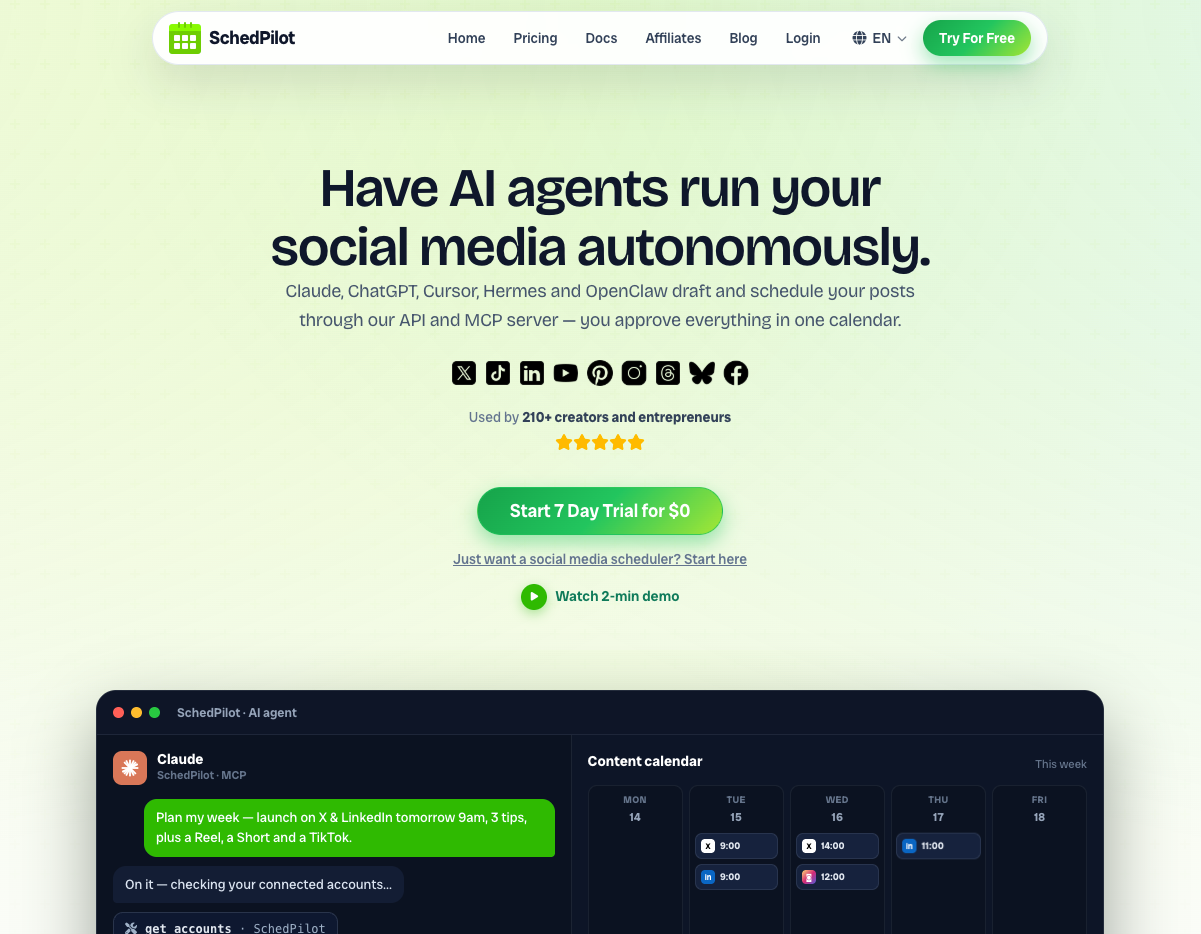
1. SchedPilot — Best AI Automation for Social Media
Social media is one of the most repetitive, automatable jobs in any business, and SchedPilot is the clearest example we’ve seen of what agent-native automation looks like when it’s done right.
Instead of adding an AI caption-writer to a scheduling dashboard (the incumbent approach), SchedPilot ships a native MCP server, making the platform directly operable by AI assistants. (I track which other social media tools have MCP servers in a separate list.) Connect Claude to it, and your assistant can create and schedule posts across accounts, browse the media library, check what’s queued, and pull analytics on published content — all from a conversation. The delegable unit isn’t a task; it’s the workflow: “turn this announcement into platform-specific posts in our voice, schedule them at peak times, and report back next week.”
A full traditional dashboard (multi-account publishing, calendar, media library, per-post analytics) remains for manual work, which makes the adoption curve gentle: teams can start hands-on and delegate progressively as trust builds.
Pros:
- Native MCP server — a real agent connection, not a chatbot in a sidebar
- Entire social workflows delegable end to end: drafting, scheduling, publishing, reporting
- Conversational analytics replace report-building
- Full manual dashboard included, so nothing forces the agent workflow
- Scales output without scaling headcount — the core promise of automation, actually delivered
Cons:
- Value depends on your team actually using an AI assistant
- Domain-specific: it automates social media, not your whole ops stack
- Newer platform without a decade of enterprise hardening
Best for: Teams, agencies, and founders who want social media to run itself under human review.
2. Zapier — Best for Breadth of Integrations
Zapier remains the connective tissue of business automation, with the largest integration library anywhere and AI features layered throughout — AI steps inside Zaps, a copilot that builds workflows from plain-language descriptions, and agent features in active development. Its DNA is still trigger-action, though: deterministic pipelines, not judgment. For social media specifically, I compared how schedulers plug into it in my list of social media automation tools for n8n, Make and Zapier.
Pros:
- Unmatched app coverage — if a tool exists, Zapier probably connects it
- AI copilot lowers the workflow-building barrier dramatically
- Mature, reliable, well-documented
Cons:
- Costs escalate quickly with volume and multi-step Zaps
- Fundamentally trigger-based; “agentic” behavior is limited
- Complex workflows become fragile and hard to debug
Best for: Connecting many SaaS tools with light AI steps in between.
3. Make — Best for Complex Visual Workflows
Make offers deeper logic than Zapier — branching, iteration, data transformation — on a visual canvas, at a friendlier price for high-volume use. AI modules slot into scenarios naturally.
Pros:
- Powerful branching and data manipulation
- Better economics at volume than Zapier
- Visual canvas aids understanding complex flows
Cons:
- Steeper learning curve
- Still human-designed pipelines, not delegated outcomes
- Debugging intricate scenarios takes patience
Best for: Operations people who think in flowcharts and need real logic.
4. n8n — Best Open-Source and Self-Hosted Option
n8n gives technical teams full control: self-hosting, custom code nodes, and increasingly strong native support for building AI-agent workflows with LLM nodes, memory, and tool-calling. I walked through a real one in my n8n social media automation tutorial.
Pros:
- Self-hostable — data stays yours
- Genuine agent-building primitives, not just AI steps
- Fair pricing; source-available
Cons:
- Requires technical comfort to exploit fully
- You maintain what you build
- Smaller integration library than Zapier
Best for: Developer-led teams building custom agent workflows with data control.
5. Lindy — Best for General-Purpose AI Assistants
Lindy lets you spin up AI “employees” for defined jobs — email triage, meeting scheduling, CRM updates — with natural-language instructions and a growing skill library.
Pros:
- Fast setup for common business tasks
- Agents can chain and hand off between each other
- Non-technical friendly
Cons:
- Depth varies by use case
- Best results still require careful instruction-writing
- Less control than workflow builders for edge cases
Best for: Busy operators offloading defined, recurring tasks to AI assistants.
6. Relay.app — Best Human-in-the-Loop Automation
Relay’s bet is that most teams want AI to do the work and a human to approve it. Its workflows put review checkpoints exactly where judgment matters, which makes it a strong fit for client-facing processes.
Pros:
- First-class approval steps and human handoffs
- Clean, modern builder
- AI steps integrate naturally
Cons:
- Smaller integration catalog
- Less suited to fully autonomous automation
- Young platform
Best for: Teams automating sensitive processes where review is non-negotiable.
7. Gumloop — Best for AI-Heavy Data Workflows
Gumloop specializes in workflows where the AI is the work: scraping, enriching, classifying, summarizing at scale. Marketers and ops teams use it for research and data pipelines that would otherwise be intern-weeks.
Pros:
- Built around LLM-native operations, not retrofitted
- Strong for scraping, enrichment, and research at scale
- Template library accelerates common jobs
Cons:
- Narrower use-case fit
- Credit-based pricing needs monitoring
- Technical mindset helps
Best for: Data-heavy marketing and research automation.
8. Bardeen — Best for In-Browser Automation
Bardeen automates from where work actually happens: the browser. Its extension scrapes, fills, and moves data between web apps, with AI handling extraction and drafting along the way.
Pros:
- Automates web apps with no API required
- Quick wins for repetitive browser tasks
- Generous starting tier
Cons:
- Browser-bound by nature
- Fragile when sites change
- Not for backend or high-volume automation
Best for: Individuals killing repetitive browser busywork.
FAQs
What is the best mcp to build a social media agent ?
If you want to create a social media agent that posts on social media in an automated way for you, then you need an MCP connector, and clearly SchedPilot is the best option here. It has the best combination on easy to use, just connect to claude or chat gpt, and the affordable pricing, you can pay as low as $21/month for connecting 5 social media account, and $39 for 20 accounts. I compared the other options in my list of social media schedulers that work with Claude, ChatGPT and AI agents.
The Pattern Worth Noticing
Ranked top to bottom, this list traces the category’s direction of travel. The workflow builders (Zapier, Make, n8n) automate how work flows between tools. The agent platforms automate the work itself — and the most mature examples are domain-specific, where the agent has a native, purpose-built connection to the tool it operates. That’s why a vertical product like SchedPilot tops a list full of horizontal platforms: in its domain, the automation is complete. The agent doesn’t glue your social media tools together; it runs them. Expect every category of business software to get its SchedPilot over the next few years. Social media just got there first.