
Instagram’s own Insights tab throws away your data after 90 days. That alone is reason enough to run a third-party analytics tool if you post more than a couple of times a week or manage accounts for anyone else.
I spent the last few weeks connecting the same three Instagram accounts (a personal one, a small e-commerce brand, and a client account with about 40k followers) to every tool below.
Some were excellent. A couple were expensive for what they do. Here’s how they compare.
Instagram analytics tools compared
Quick overview first. Every tool here has a free plan or a trial, so you can test the two or three that look right for you before paying.
| Tool | Type | Best for | Free option | Paid from |
|---|---|---|---|---|
| SchedPilot | Scheduler + analytics | Creators and small teams who want scheduling and reporting in one place | Free trial | $21/mo |
| Social Status | Dedicated analytics | Agencies that live in client reports | Free plan | $9/mo |
| Pallyy | All-in-one suite | Instagram-first creators | Free plan | ~$15/mo |
| Iconosquare | Analytics-heavy suite | Brands that want custom dashboards | 14-day trial | ~$49/mo |
| Metricool | All-in-one suite | Budget-conscious teams, Looker Studio users | Free plan | ~$18/mo |
| Agorapulse | All-in-one suite | Social media managers who need to prove ROI | Free trial | ~$49/mo |
| Sendible | All-in-one suite | Agencies that need white-label everything | Free trial | ~$29/mo |
| Vista Social | All-in-one suite | Teams that want activity reports on staff | Free plan | ~$39/mo |
| Brand24 | Mention monitoring | Tracking who talks about you | Free trial | ~$99/mo |
| Instagram Insights | Native | Anyone with a business account | Free | Free |
| Sprout Social | Enterprise suite | Large brands with budget | 30-day trial | ~$199/seat/mo |
1. SchedPilot
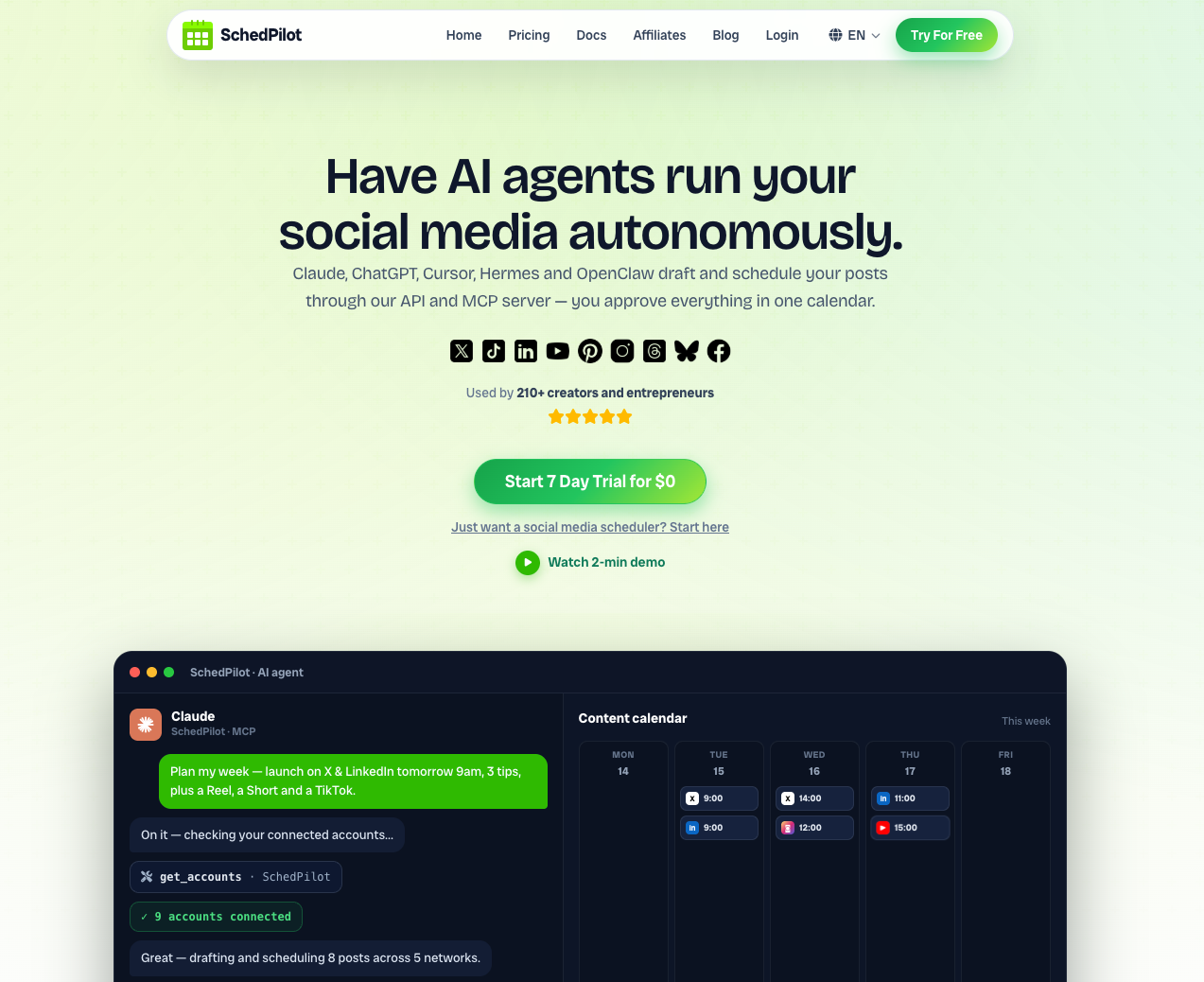
SchedPilot is the tool I ended up keeping after the testing was over, and the reason is boring: the analytics sit right next to the scheduler, so I actually look at them.
Most people don’t need 200 metrics. They need to know which Reel got watched, which carousel got saved, whether followers went up or down this month, and when to post next. SchedPilot covers that for Instagram (plus TikTok, LinkedIn, X, Pinterest, YouTube, Facebook and Bluesky) from one dashboard.
The account view tracks reach, impressions, clicks, watch time and follower growth over any date range you pick.
Post-level analytics show you the same numbers per Reel, carousel, or single image, so you can sort by saves or watch time and see what actually held attention. The best-time-to-post calculator looks at when your audience was active and suggests posting windows, and because it’s built into the scheduler you can drop a post into that slot in two clicks instead of writing the time down somewhere.
The part I like most is the UTM handling. Every link you schedule can carry UTM parameters automatically, which means when you open Google Analytics you can finally see which specific Instagram post sent traffic to your site. None of the other schedulers on this list make that as easy.
Reports export as files you can hand to a client. They’re not white-labeled, which agencies will notice.
Two other things worth knowing. SchedPilot has a REST API and an MCP server, so if you use Claude or another AI agent you can ask it to pull last month’s Instagram numbers or queue posts without touching the interface. I keep a list of the best social media MCP connectors if that’s how you work. And the AI caption and hook generator is good enough that I used it for real, not just for testing.
Pricing starts at $21/month for two accounts, which is hard to argue with. Silver includes analytics; Gold adds the AI features and the browser extension.
Pros and cons
- Scheduling and analytics in one tool, so you use both
- Post-level Instagram metrics including watch time and saves
- Built-in UTM parameters for traffic attribution
- Best time to post calculator tied to the scheduler
- REST API and MCP server
- Cheap
- No competitor benchmarking
- Reports aren’t white-labeled
2. Social Status
Social Status has the deepest Instagram analytics of anything I tried. It does nothing else, and that’s the point.
Everything is split into separate dashboards: profile analytics, ads analytics, competitor analytics, and influencer analytics. The profile dashboard gives you impressions, engagement rate, organic reach rate, clicks, video views, follower demographics, and per-post breakdowns for feed posts, Reels and Stories. You can compare periods and see growth trends over years, not months.
Because it also runs competitor analysis, Social Status generates industry benchmarks from that data. So instead of wondering whether a 2.1% engagement rate is good, you can see it next to the average for your category.
The reporting tool is the strongest here. Fully white-label, scheduled delivery, PowerPoint and PDF export, custom templates. If you’re an agency and reports are the thing your clients actually see, this is the tool to test first.
It can’t publish anything, though. You’ll run it alongside a scheduler.
Pros and cons
- Most complete set of Instagram metrics
- Organic and paid content in one place
- Industry benchmarks from real competitor data
- White-label PowerPoint and PDF reports
- Free plan exists
- Analytics only. No scheduling, no inbox
3. Pallyy
Pallyy is the easiest tool on this list to understand. Open the analytics tab and everything is a chart you can read without a manual.
You get post, profile, Story and competitor analytics for Instagram, plus lighter coverage of Facebook and LinkedIn. The report builder is simple: tick the metrics, set the date range, export or share a link. The “best time to post” heatmap is well done.
What’s missing is automation. You can’t schedule a report to email itself every Monday, which most competitors handle. And the metric list is shorter than Social Status or Iconosquare.
For a solo creator or a small brand managing a single Instagram account, that trade-off is fine. The feed planner and bio link tool are nice extras at the price.
Pros and cons
- Very easy to use
- Affordable, and the free plan is usable
- Good best-time-to-post recommendations
- No automated report delivery
- Fewer metrics than the analytics-first tools
4. Iconosquare
Iconosquare has the best interface of the bunch and the most flexible dashboards.
Over 100 metrics are available, and any of them can be exported as a chart in one click. The custom dashboard is the feature that makes it worth the price: you add, remove and rearrange widgets until it shows exactly what you and your team care about, then it emails itself to you on a schedule.
It also does social listening, which means hashtag and competitor tracking on Instagram (for listening across the whole web, see my best social listening tools), and the Teams plan lets you have 10 users for under $100/month. Compared to per-seat pricing elsewhere, that’s generous.
No free plan, only a 14-day trial, and the starting price of around $49/month is a jump from Pallyy or SchedPilot. If you’re one person, it’s probably overkill.
Pros and cons
- Best UI in the category
- Fully customizable dashboards with scheduled delivery
- 100+ metrics
- Social listening included
- Great value for teams
- No free plan
5. Metricool
Metricool is the cheap option that doesn’t feel cheap. The free plan gives you three months of historical data, and every paid plan gives you unlimited history.
Analytics cover feed posts, Reels and Stories, plus competitors, hashtags and other networks (YouTube, Facebook, X, TikTok). There’s also a web analytics view so you can see your site traffic next to your social numbers.
The feature that sets it apart is the Looker Studio connector. You can pipe Metricool data into Google’s Looker Studio and combine it with Google Analytics, Search Console, or whatever else you report on. For anyone trying to show how Instagram contributes to the wider marketing picture, that’s a big deal.
The UI is dated and the charts aren’t as pleasant as Iconosquare’s. Reports are also locked to paid plans.
Pros and cons
- Unlimited historical data on paid plans
- Looker Studio connector
- Covers Instagram, other networks and your website
- Very affordable
- The interface looks its age
- No reports on the free plan
6. Agorapulse
Agorapulse is the one to look at if you manage Instagram for a brand and someone above you keeps asking what they’re getting for the money.
The standard reporting is solid: reach, engagement, growth, best content types, best posting times, team performance. Custom reports can be sent to clients on a schedule.
The ROI tool is what makes it different. It connects to Google Analytics and attributes traffic, leads, and revenue back to individual Instagram posts and conversations. You can see that a specific carousel drove 84 visits and three sales worth a specific amount. Nothing else here does that as clearly.
Data retention caps at 24 months depending on the plan, and the price is on the higher side for a solo creator.
Pros and cons
- Attributes revenue and leads to specific Instagram posts
- Google Analytics integration
- Strong automated reports
- Full social suite (inbox, listening, publishing)
- Historical data limited to 24 months
- Pricey for individuals
7. Sendible
Sendible is built for agencies. It’s fully white-label, so you can run it on your own domain with your own branding, and clients connect their Instagram accounts through your portal without ever giving you a password.
There are over 200 analytics modules, including the usual reach and engagement numbers along with things like your most engaged followers and optimal posting times. The report builder has pre-set templates for Instagram and for cross-channel summaries, and reports can go out daily, weekly or monthly on autopilot.
Each client gets a separate dashboard. That’s the main reason to pick it over Social Status if you also need publishing and an inbox.
The interface feels older than the rest, and if you’re a single creator most of this is wasted.
Pros and cons
- Fully white-label, including client onboarding
- 200+ metrics
- Per-client dashboards
- Flexible automated reports
- Dated UI
- Too much for solo users
8. Vista Social
Vista Social covers everything Instagram-related: post performance, profile growth, competitor reports, and a team activity report that shows how fast each staff member replies to messages and clears tasks.
Reports are white-label with customizable titles and logos, and they can be automated or exported to PDF. The unified inbox and listening tool round it out into a complete suite.
The catch is that most of the useful reports only appear on the Professional plan and up. The free and Standard tiers are limited enough that you’ll upgrade quickly if reporting is why you signed up.
Pros and cons
- Post, profile and competitor analytics for Instagram
- Team activity reporting
- White-label, automated reports
- Most reports locked behind Professional plan
- Higher starting price than similar tools
9. Brand24
Brand24 isn’t a profile analytics tool. It monitors mentions of any keyword across roughly 25 million sources, Instagram included, and tells you the reach, sentiment and who’s doing the talking.
Set up an alert for your brand name, a competitor, or a topic in your niche and it runs around the clock. The analysis view shows total reach of mentions, top posts and top profiles, and you can filter by sentiment or by influencer score to find the people worth replying to.
It won’t tell you your engagement rate. It’s a different job. But if you’ve never tracked what people say about you on Instagram when you’re not tagged, you’re missing a lot.
Pros and cons
- Finds mentions across Instagram and the wider web
- Sentiment and influencer scoring
- Good for spotting influencers and trends
- No profile or post analytics
- Expensive for what is a single use case
10. Instagram Insights
Instagram Insights is free, lives inside the app, and requires a business or creator account.
You get accounts reached, accounts engaged, per-post breakdowns (including follower vs. non-follower reach), Reels watch time and replays, and follower demographics by age, gender and location.
Then the problems. Ninety days of history and nothing older. No reports. No exports worth the name. No other networks. If you manage more than one account it’s painful, and if you need to show anyone a chart from six months ago you can’t.
Use it to sanity-check the third-party tools. Don’t rely on it.
Pros and cons
- Free and built in
- Decent follower demographics
- Only 90 days of data
- No reporting or export
- Unworkable for client accounts
11. Sprout Social
Sprout Social is last because of the price, not the product. Per-seat pricing starts around $199/month, and the advanced analytics (150+ extra metrics, interactive charts, a proper report builder) sit behind a paid add-on called Premium Analytics on top of that.
For a large brand that’s fine. The core analytics are deep at both post and profile level, organic and paid performance sit side by side, and competitor and hashtag analysis are included. Add listening, influencer marketing and employee advocacy and you have an enterprise platform.
For everyone else, Iconosquare or Agorapulse do most of the same at a fraction of the cost.
Pros and cons
- Scales to enterprise
- Deep analytics across Stories, Reels and paid content
- Very expensive
- Best analytics require an add-on
- Steep learning curve
Which one should you pick?
If you’re a creator or a small team and you also schedule posts, start with SchedPilot. You’ll use the analytics because they’re in the same place you already work, and at $21/month there’s nothing to agonize over.
If you’re an agency and the report is the product, Social Status for analytics depth or Sendible if you need white-label publishing too.
If someone is asking you for revenue numbers, Agorapulse.
And whatever you pick, connect it now rather than next month. Instagram Insights is already deleting your data from June.
FAQ
What is the best free Instagram analytics tool?
Instagram Insights, if you only need the last 90 days. For anything longer, Metricool’s free plan keeps three months of history and Social Status has a free tier too.
Do I need a business account to use these tools?
Yes. Every tool here pulls data through Instagram’s API, which only works with business or creator accounts, so switch a personal profile before connecting.
Can these tools show data older than 90 days?
That’s the main reason to use one. Most start storing data from the day you connect, so history only builds from then on; Social Status and Metricool’s paid plans keep it indefinitely.
Which tool is best for agencies?
Social Status for report depth and white-label exports, or Sendible if you also need publishing and client portals under your own brand.
Which tool shows the best time to post on Instagram?
SchedPilot, Pallyy and Iconosquare all calculate posting windows from when your followers are active. SchedPilot’s is tied to the scheduler, so you can book the slot directly.
Can I track competitors’ Instagram accounts?
Social Status, Pallyy, Iconosquare, Metricool and Vista Social all do competitor tracking on public accounts. SchedPilot and Instagram Insights don’t.
Can I connect Instagram analytics to an AI assistant?
SchedPilot, Metricool and Agorapulse have MCP servers, so Claude or ChatGPT can pull your numbers directly. I go deeper on that in my list of schedulers for AI agents. The rest need a manual export.
Disclosure: some links in this post are affiliate links. If you buy through them I may earn a commission at no extra cost to you.