
TL;DR
- SchedPilot: the scheduler I’d hand an agency or freelance social media manager. Flat price per plan, workspaces per client, REST API on every plan, and an MCP server so Claude or ChatGPT can draft and queue posts.
- Sprout Social: best inbox and reporting for in-house teams with a real budget.
- Hootsuite: the enterprise default, strongest when listening and compliance matter.
- Agorapulse: for managers who spend most of the day replying, not posting.
- Metricool: cheap, readable analytics and client reports.
- Planable: client approvals that clients actually click through.
- Canva: graphics, carousels and brand kits.
- CapCut: short-form video editing and auto captions.
- Buffer: simple scheduling for one person with a handful of channels.
- Notion: briefs, content pillars and the editorial calendar behind the posts.
A social media manager needs roughly four apps, not ten: one to schedule and approve posts, one to design, one to edit video, and one to plan. For the scheduling seat, SchedPilot is my pick for agencies and freelancers because one flat plan covers 20 to 100 accounts with separate client workspaces, and it plugs into AI agents through MCP and an API. Add Canva, CapCut and Notion and you have a full stack for under $150 a month.
The rest of the list exists because some jobs need something heavier. A 12-person in-house team answering 400 DMs a day needs Sprout Social or Agorapulse, and no cheap scheduler will replace that inbox. I compared the heavier suites in all-in-one tools with scheduling, inbox and listening. A solo manager with three channels can live on Buffer’s free plan for a while (my free social media schedulers list covers the other free options).
One disclosure before you read further: I built SchedPilot. I’ve ranked it first because the user this list is written for (someone running social for several brands or clients) is exactly who it was built for, and I’ve tried to be as blunt about its gaps as about everyone else’s. Prices below were checked on each vendor’s pricing page or recent pricing breakdowns on November 12, 2026, in USD, and most “per month” figures assume yearly billing.
The 10 apps compared
| App | Job | Starting price | How it charges | API / MCP |
|---|---|---|---|---|
| SchedPilot | Scheduling, client workspaces, AI agents | $21/mo (yearly), $29 monthly | Flat per plan | API on all plans, MCP |
| Sprout Social | Inbox, publishing, reporting | $79/seat/mo | Per seat | API on Advanced only |
| Hootsuite | Enterprise publishing, listening | $99/user/mo | Per user | Yes |
| Agorapulse | Inbox and engagement | $79/user/mo | Per user, 10 profiles | Limited |
| Metricool | Analytics and reports | Free, paid from about $20/mo | Per number of brands | API on Advanced |
| Planable | Client approvals | $33/workspace/mo | Per workspace | API and MCP |
| Canva | Design | Free, Pro $144/yr | Per person | n/a |
| CapCut | Video editing | Free, Pro $19.99/mo in the US | Per person | n/a |
| Buffer | Simple scheduling | Free, then $5/channel/mo | Per channel | API and MCP |
| Notion | Planning and briefs | Free, Plus $10/member/mo | Per member | API |
1. SchedPilot (best for agencies and multi-client managers)
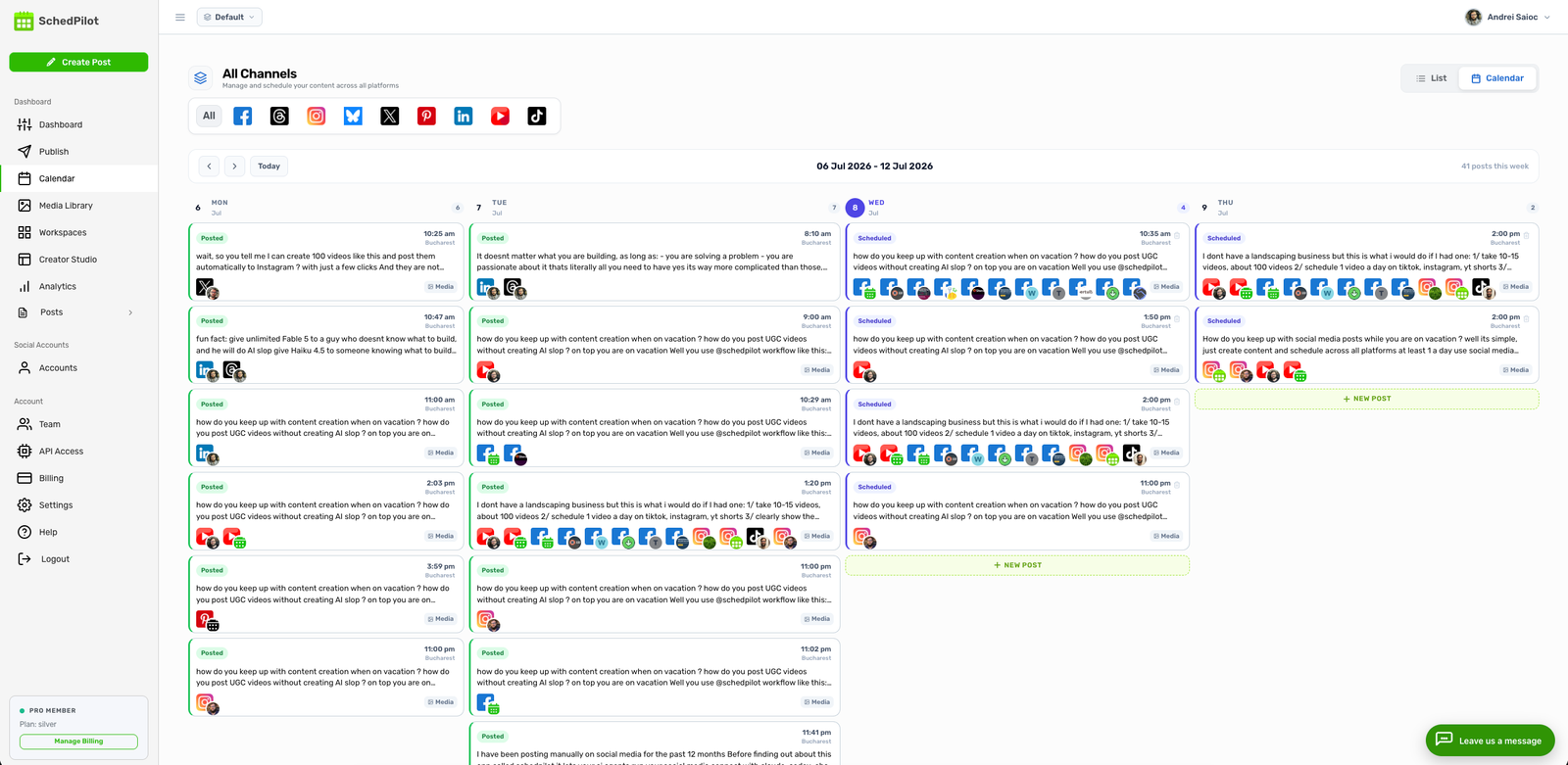
SchedPilot schedules and cross-posts to Instagram, TikTok, LinkedIn, X, Facebook, YouTube, Pinterest, Threads and Bluesky from one calendar. The part that matters for a social media manager is how it’s organized: each client or brand gets its own workspace with its own accounts, so the bakery’s Reel can’t end up on the law firm’s LinkedIn page at 9am on a Monday. That mistake happens more often than anyone admits, and it’s the main thing I look at in tools for managing multiple social media accounts.
Pricing is where it pulls away from the per-seat tools. Plans are flat:
- Silver: $29 a month, or $21 billed yearly. 5 accounts, 1 workspace, 450 posts a month.
- Gold: $39, or $35 yearly. 20 accounts, 5 workspaces, unlimited posts, replies to comments, AI-generated posts.
- Platinum: $59, or $49 yearly. 40 accounts, 10 workspaces, Chrome extension, priority support.
- Enterprise: $99, or $79 yearly. 100 accounts, 20 workspaces, 10 team seats, a post approval workflow and a dedicated account manager.
Put that next to a five-person team on Sprout Social’s Standard plan, which is 5 × $199 = $995 a month on a yearly contract. SchedPilot’s Enterprise plan gives ten seats for $79. They’re not the same product (Sprout’s inbox and reporting go much deeper), but if your job is mostly planning, approving and publishing for clients, you’re paying Sprout prices for features you won’t open. There’s also a $299 one-time lifetime deal, capped at 100 licenses, for anyone who hates subscriptions.
The other reason it’s first: it’s built to be driven by AI agents, which is where a lot of social work is heading. SchedPilot runs a remote MCP server that Claude and ChatGPT connect to with a URL and an OAuth sign-in, no API key to paste. Once connected, the assistant can list your accounts, upload media, create and schedule posts, move or cancel them, and read analytics on what you published. A realistic use: paste a client’s product changelog into Claude, ask for three LinkedIn posts in their tone, and have them queued for Tuesday, Thursday and Friday mornings. Agent-made posts land in the calendar unapproved, so nothing publishes until a human clicks approve. For developers there’s a local MCP server for Claude Code, Cursor, Windsurf and VS Code, a REST API on every plan (not just the top tier), and an n8n node. I wrote up a full n8n + SchedPilot workflow here if you want to see it running, and if you’re curious how MCP works under the hood, here’s how to build an MCP server.

The downsides, honestly. Team seats and the approval workflow only arrive on Enterprise, so a freelancer on Gold who wants a client to sign off inside the app has to jump to the $79 plan or send previews another way. There’s no social listening, so you won’t track brand mentions across the web here; pair it with one of the social listening tools I tested if that matters. The unified inbox is lighter than Sprout’s or Agorapulse’s: you can reply to comments, but it’s not a ticketing system. And the 7-day trial asks for a card up front (you’re charged $0 during the trial).
Verdict: if you manage five or more brands, or you want an AI assistant doing first drafts and queueing, start here.
2. Sprout Social (best inbox and reporting for in-house teams)

Sprout Social has the best combined inbox and reporting in this list. Messages from every network land in one queue you can tag, assign and close, and the reports look good enough to forward to a CMO without editing.
It’s also the most expensive per head. Essentials is $79 per seat a month on yearly billing, but it covers 5 profiles and doesn’t include the all-in-one inbox, which starts on Standard at $199 per seat. Professional is $299 and Advanced is $399, and the Sprout API only shows up on Advanced. Paying monthly adds roughly 25%. There’s a 30-day trial.
Biggest downside: every person who logs in costs a seat, including the designer who just checks the calendar. Pick Sprout if you’re an in-house team handling heavy customer conversations. Skip it if you’re a three-person agency.
3. Hootsuite (the enterprise default)

Hootsuite lists Standard at $99, Professional at $199 and Advanced at $399 per user a month, all on yearly billing. Standard caps you at 10 social accounts. Approval workflows only come in on Advanced, and the deeper listening, SSO and employee advocacy sit in the custom-priced Enterprise tier. Month-to-month pricing exists but isn’t published on the plans page, which tells you who it’s built for.
Where it earns its price: big organizations with legal review, many regions and a security team that wants SSO and audit trails. For anyone else it’s a lot of money for scheduling. If you’re shopping for something lighter, Reddit has strong opinions, and I collected them in Hootsuite alternatives Reddit actually recommends.
4. Agorapulse (best for engagement-heavy days)

If your day is 70% replying and 30% posting, Agorapulse is built for you. The inbox treats comments, DMs and reviews like an email inbox you can clear to zero, with saved replies and assignment rules. Community managers tend to love it.
Pricing is $79, $119 and $149 per user a month on yearly billing (Standard, Professional, Advanced), and each plan includes 10 social profiles no matter how many users you add. More profiles cost extra. There’s no free plan anymore. Agorapulse also bought Mention, so if you used Mention for monitoring, see Mention alternatives. Like Sprout, the per-user model punishes you for bringing in freelancers or clients.
5. Metricool (best cheap analytics and client reports)
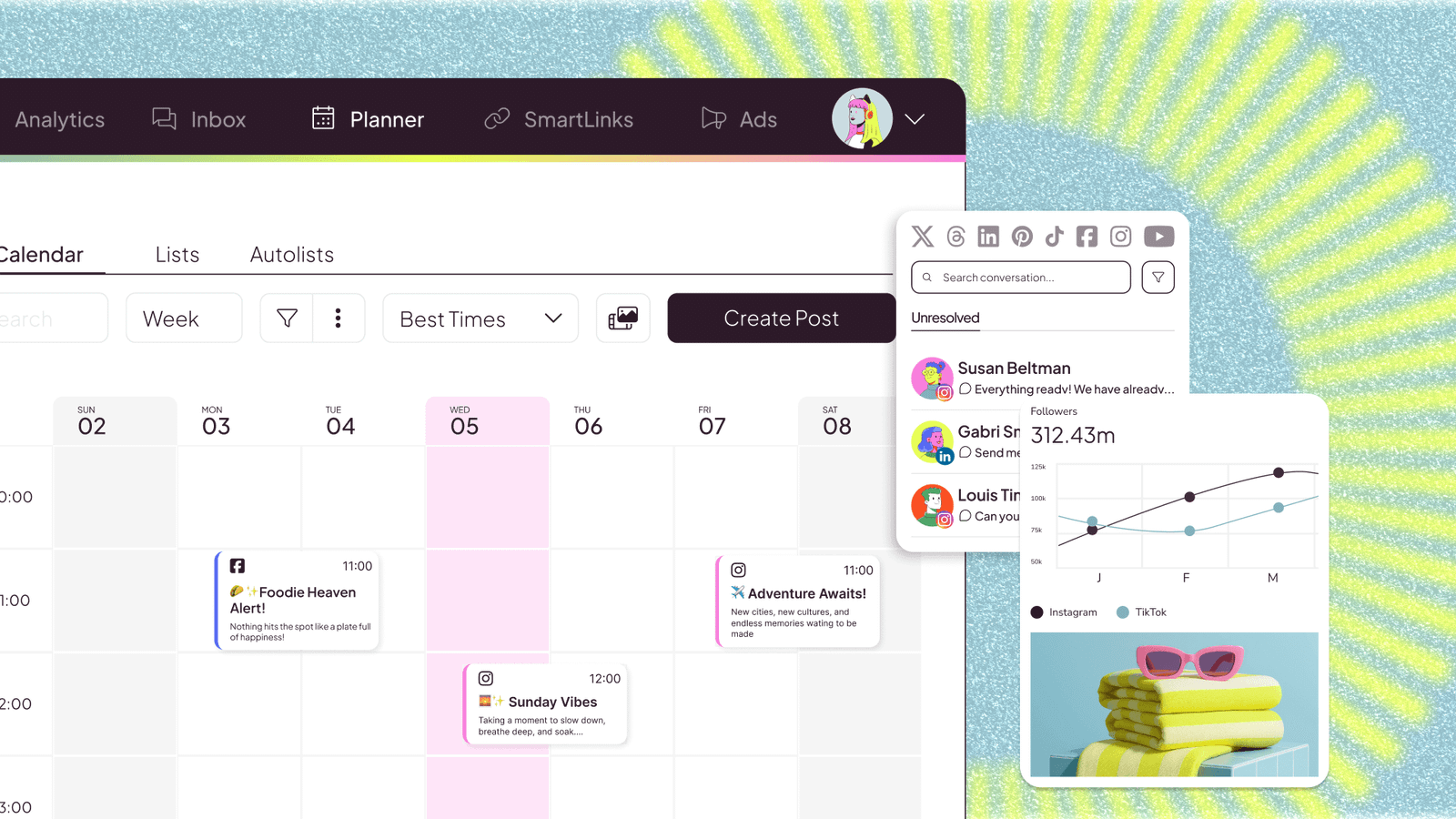
Metricool prices by brand, not by person, and its reports are easy for clients to read. There’s a free plan for one brand. Starter runs around $20 a month on yearly billing for up to 5 brands, and Advanced around $53 a month yearly. Two catches: X is a paid add-on per account on every plan, and the API and approval features wait on Advanced. Prices also exclude VAT.
It’s a good second app next to a scheduler when a client wants a monthly PDF and you don’t want to build one in Google Slides. For Instagram-specific reporting, my Instagram analytics tools roundup goes deeper.
6. Planable (best for client approvals)

Planable shows posts the way they’ll look in the feed and lets clients comment and approve right on the preview. If your current approval process is a Google Doc, three email threads and a WhatsApp voice note, this fixes it in a week.
It’s priced per workspace, not per user: Basic is $33 and Pro $49 per workspace a month on yearly billing ($39 and $59 monthly). That’s fair for one brand and adds up for an agency with 12 clients, since each client usually gets a workspace. Basic also caps posts per workspace each month. Planable has an MCP connector and an API now, and it was acquired by SE Ranking, so expect SEO features to creep in. The approval workflow tools comparison covers the alternatives.
7. Canva (design)
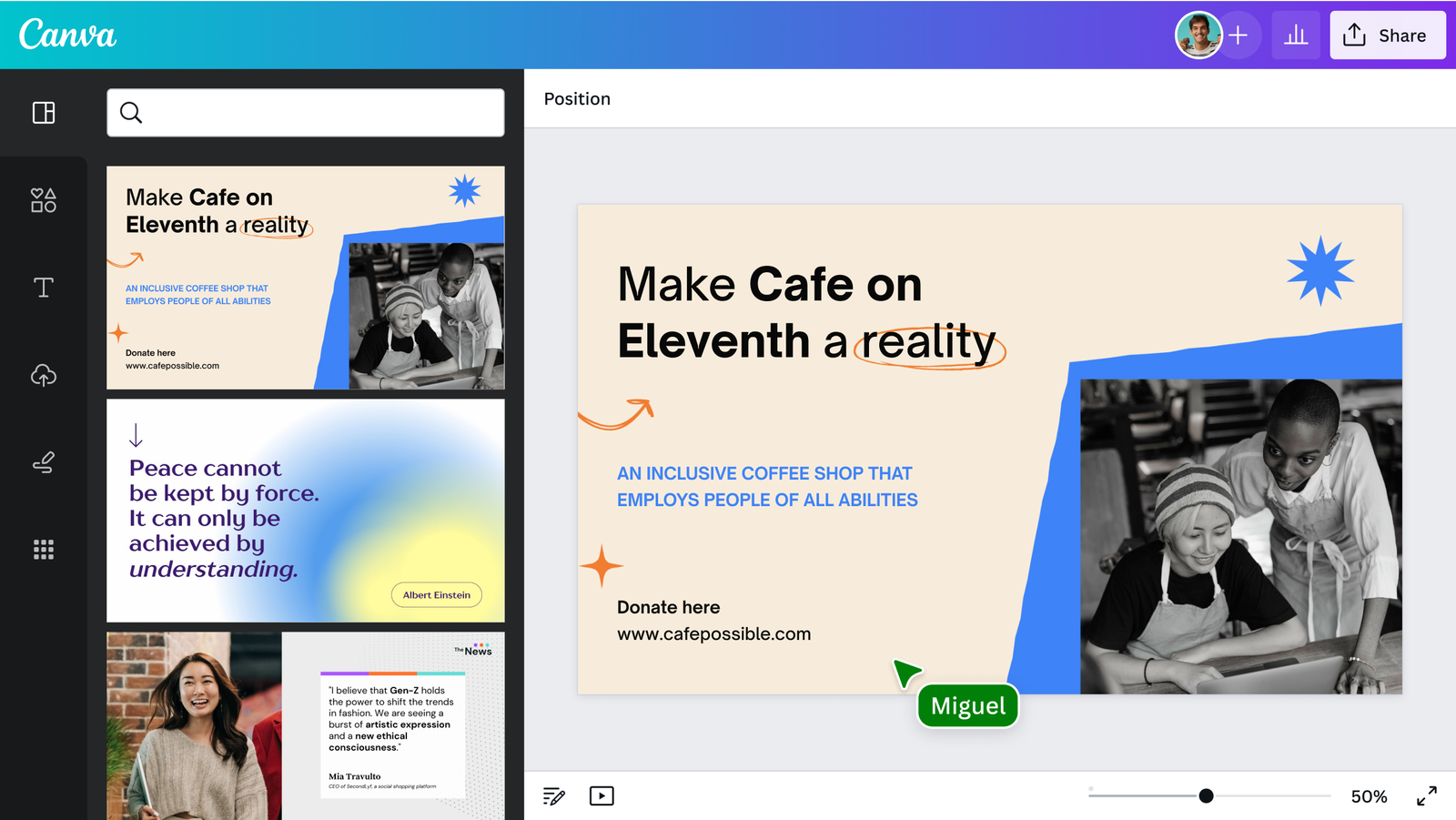
Everyone already knows Canva. For social media managers the useful bits are brand kits per client, Magic Resize (turn one Instagram post into a Story, a LinkedIn image and a Pinterest pin) and carousel templates.
Canva Pro is $144 a year or $18 a month for one person. The catch is that Pro doesn’t let you invite team members, so the moment a second person needs the same designs you’re on Business at $250 per person a year. Pro is plenty for a freelancer.
8. CapCut (short-form video)

Reels, TikToks and Shorts need captions, cuts and trending audio, and CapCut does that faster than anything else on a phone. The auto captions alone save an hour a week. Once the edit is done, timing still matters: here’s the best time to post Reels and how to schedule TikTok posts.
The free version is enough for most edits. In the US, Pro is $19.99 a month or $179.99 a year, and a cheaper Standard tier sits around $9.99. Prices swing a lot by country and by whether you buy in the App Store, Google Play or on the web, and introductory monthly offers renew at full price, so check the renewal amount before you tap subscribe. Some brand clients’ legal teams also ask about it because it’s owned by ByteDance.
9. Buffer (simple scheduling for a few channels)
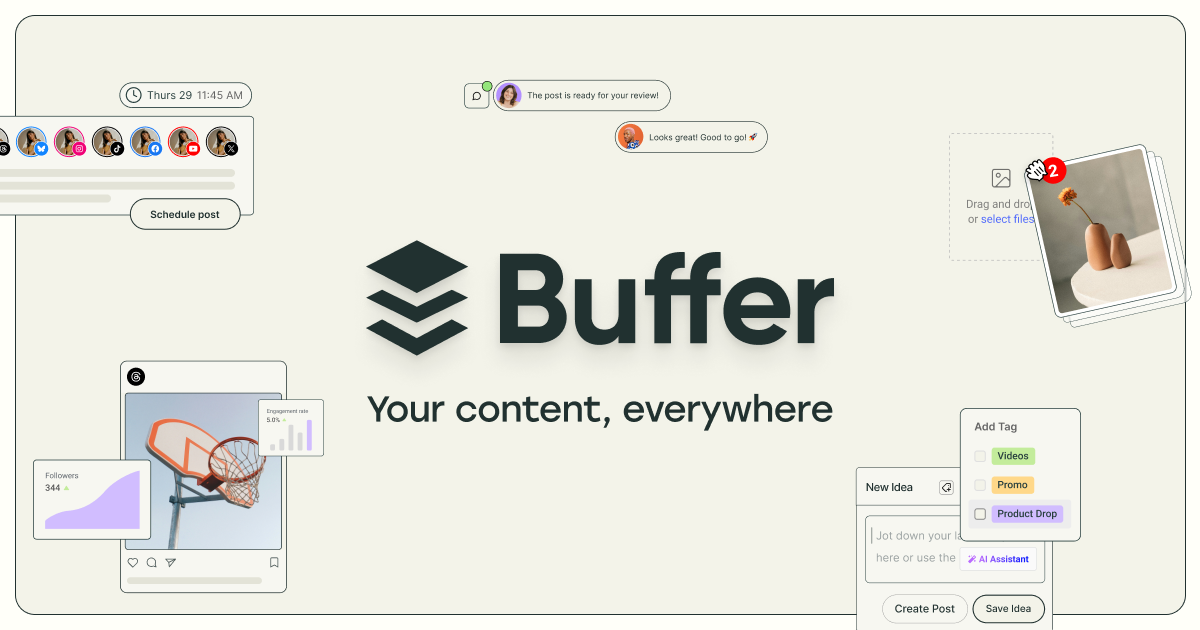
Buffer is the cleanest scheduler for one person with a few channels. The free plan covers 3 channels with 10 queued posts each. Essentials is $6 per channel a month ($5 yearly) for a single user, and Team is $12 per channel ($10 yearly) with unlimited users and approvals. It has an API and an MCP server too.
The per-channel model is the problem for managers. Ten channels on Team is $120 a month billed monthly, before you’ve added a client. If you’re wondering whether the free plan is enough, I tested that in Is a Buffer free account enough?
10. Notion (planning and briefs)
Posts are the last step. Before them come content pillars, client briefs, hook ideas and the “what are we doing in Q1” doc, and Notion is where most managers keep all of that. A database with one row per post idea, a status column and a client filter covers 80% of what a content calendar app does.
Free works for one person. Plus is $10 per member a month on yearly billing, and the full Notion AI sits on Business at $20. Notion doesn’t publish anything, so pair it with a scheduler. If you’d rather have a calendar built for social, see the content calendar tools I tested.
Which stack to pick
A freelancer running six small-business clients: SchedPilot Gold ($35 yearly, 20 accounts across 5 workspaces), Canva Pro ($12), CapCut free, Notion free. Under $50 a month, and you can give Claude the MCP connector to draft the boring weekly posts. If budget is the main filter, the cheapest social media schedulers ranking goes plan by plan.
A 10-person agency with 30 clients: SchedPilot Enterprise for publishing and approvals (100 accounts, 20 workspaces, 10 seats at $79), Metricool for client reports, Canva Business for the designers. Add Planable only if your clients refuse to log into anything that isn’t feed-style previews.
An in-house team at a consumer brand with a busy inbox: Sprout Social or Agorapulse, plus Canva Business. Here the inbox is the job, and per-seat pricing is the cost of doing it well.
For more on the freelance side, see tools for freelancers managing client accounts; for the cost math at 5, 10 and 20 accounts, see what multi-account schedulers really cost.
FAQ
What app do most social media managers use?
Most use a scheduler plus Canva. Agencies and freelancers lean toward flat-priced schedulers like SchedPilot or Metricool because per-seat tools get expensive with every client. Large in-house teams usually pay for Sprout Social or Hootsuite.
What’s the cheapest app for managing many client accounts?
SchedPilot’s Platinum plan is $49 a month on yearly billing for 40 accounts and 10 workspaces, and Enterprise is $79 for 100 accounts and 10 seats. Per-seat and per-channel tools cost several times that at the same account count.
Can AI agents post to social media for me?
Yes, through MCP. SchedPilot, Buffer and Planable all offer MCP connections. In SchedPilot, Claude or ChatGPT can draft and schedule posts, but each one waits in the calendar for your approval before it publishes. For tools that write the captions too, see AI caption generators that also schedule posts.
If you only change one thing this month, move every client into its own workspace in whatever scheduler you use. It prevents the one mistake clients never forget.