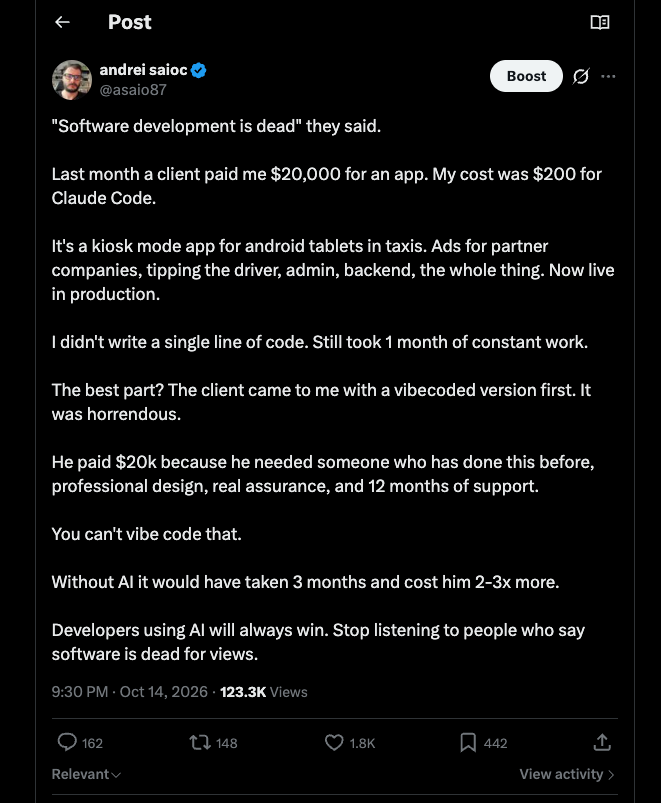
I think you are here because you want to get the best social media scheduler for your case. So thats what you will find. But I want to tell you right away if you have patience to read to the end you will find the right tool for your case. One thing I can confirm you that scheduling social media posts will not affect your views. Here is the proof then find the list with the tools:
TL;DR
A social media scheduler tool, usually turns random posting habits into a consistent calendar so you can batch content, keep every channel aligned with launches, and log off in the evening.
In 2026 the good ones do more than queue posts: multi-channel publishing, having a workspace feature for agencies managing multiple customer who have multiple accounts, evergreen recycling, and analytics that match your goals.
SchedPilot is the pick for small businesses, agencies and solo creators (especially if you run AI agents via MCP/API, see my list of social media tools with MCP servers), Hootsuite and Sprout Social suit larger teams, Later wins for visual brands, and SocialBee or MeetEdgar are best for evergreen content. Pick one, start small, and let your data decide the rest. Altogether we think this is a good list of the best content scheduling platforms.
Lets dig into the 13 social media management tools:
The 13 tools covered
- SchedPilot – small business and AI-agent friendly (MCP/API, n8n)
- Buffer – simple queue-based scheduling for beginners
- Hootsuite – all-in-one dashboard for agencies and big teams
- Sprout Social – premium scheduling plus inbox and deep reporting
- Later – visual planner, strongest for Instagram and Pinterest
- Metricool – scheduling combined with analytics and competitor tracking
- SocialBee – category-based queues for evergreen content
- SocialPilot – affordable agency features, bulk upload, white-label reports
- Agorapulse – scheduling with a strong unified inbox and moderation
- Sendible – multi-client management built for agencies
- Loomly – brand-focused with post suggestions and approval flows
- CoSchedule – full marketing calendar covering blog, email and social
- MeetEdgar – evergreen content libraries that auto-fill your calendar
Social networks move very very fast, and if you post only when you remember, your results look random or even the algo forgets about you, then its hard to restart things. A smart social media scheduler keeps your content consistent, your brand visible, and your sanity mostly intact. And its the case if you have 5 accounts for your small shop, or you are an agency managing 15 customers, each with 4-5 accounts.
I like to think of social media scheduling tools as quiet assistants who never forget to hit publish, even when you are trapped in meetings or stuck in traffic.
When your social media posting schedule runs on autopilot, you finally have time to think about strategy instead of chasing notifications. And that is especially if you do content into this multi ai agent world.
Thats why we have compiled a list of the best tools for scheduling social media posts

In 2026, scheduling social media posts is not just about lining up pretty pictures for later. You need social media scheduling platforms that handle multiple customers, multiple channels, recycle evergreen content, and give analytics that match your goals.
I have tested many social media scheduling apps, broken a few workflows along the way, burnt a few accounts for spamming, and learned what actually matters for busy marketers and small teams.
Let us walk through the best social media scheduling tools that help you schedule social media posts without losing your weekends and with keeping your social media marketing agency customers in order.
Why a social media scheduler matters in 2026
The right social media scheduling software turns random posting into a reliable social media posting schedule. Especially if you are a solo creator or a small agency or even a big agency, managing 20-50-100 or even more accounts at the same time. It’s even possible to manage accounts for multiple customers. Then you will need a workspace for each customer, each having 5-10 accounts or even more.
You can plan campaigns, batch content creation, and keep every social media publishing platform aligned with launches and promotions. Instead of wondering how to schedule social media posts each morning, you work from a calendar that you already trust. That calendar becomes the backbone of your social posting, while you focus on conversations and experiments.
A good social media scheduling tool also protects your energy by separating creation from distribution. And finding the best social media planner here is key. You choose one deep work block for writing, another block for design, and then your social media post scheduler takes over the routine publishing.
Personally, I find my creativity jumps when I am not constantly watching the clock for the next Instagram or LinkedIn slot.
The best social media planning apps keep you present with your audience while still letting you log off in the evening.
13 best social media scheduling tools
1 SchedPilot
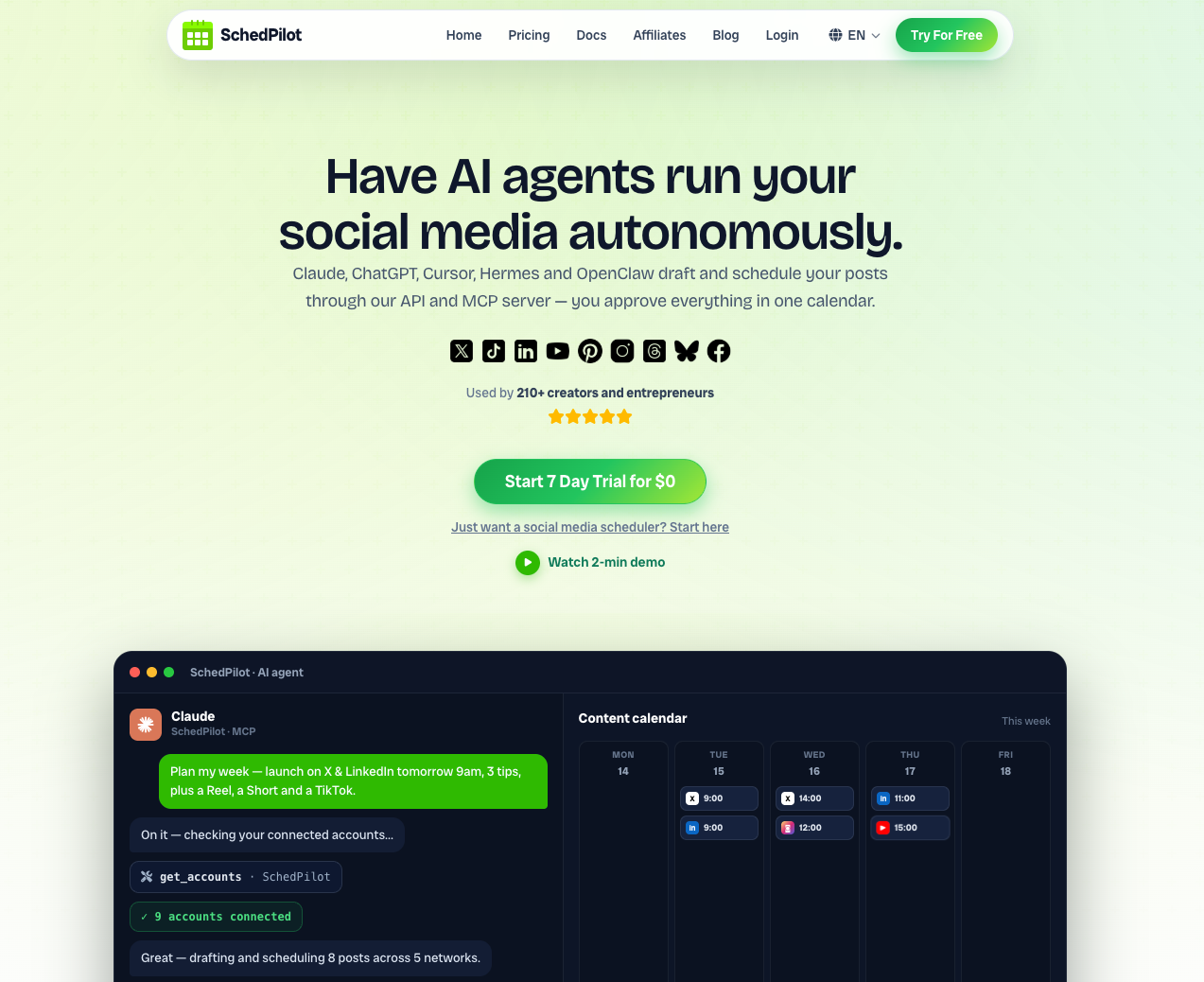
SchedPilot is built to be the best social media scheduler for small business owners and scrappy marketing teams. It combines a clear content calendar, social media publishing tools, and smart suggestions about the best time to schedule social media posts. I love how it turns messy ideas into a structured content scheduling plan with drag and drop simplicity.
On top of that comes with MCP and API so its amazing for solo creators using AI agents like Claude and ChatGPT (or hermes, codex, cursor and others) to control dozens of social media accounts. On top of that it works amazingly well in n8n workflows that involve video generation and complicated stuff to create unique content. It supports instagram scheduler, tiktok scheduler and basically any social media scheduler.
If you want a social media scheduler that feels friendly but still powerful, this one deserves the first look.
Btw here is how i got viral and automated my social media with ai agents and Claude Code and got over 128k views for a single post (several others with 10-50k views in the same way).
Pros
-
Designed as a social media scheduler for small business with a straightforward interface and minimal learning curve.
-
Handles multiple social media posting platforms with one calendar, including queues for evergreen posts and campaigns.
-
Helpful recommendations about times and frequencies improve the performance of your social media post scheduling.
-
Strong focus on content scheduling workflows, approvals, and drafts makes collaboration less chaotic for small teams.
- natively supports mcp, api and can be used in n8n workflows or used with ai agents (see my roundup of AI automation tools)
- unified content library and a good alternative to popular social media scheduling tools
- schedpilot the best social media scheduler under $100 USD
Cons
-
Newer tool compared with some older social media scheduling apps, so a few niche integrations may be missing.
-
Works best when you commit to a clear social media posting schedule instead of occasional manual posts.
-
Advanced analytics may not match the depth of standalone reporting platforms aimed at large agencies.
2 Buffer
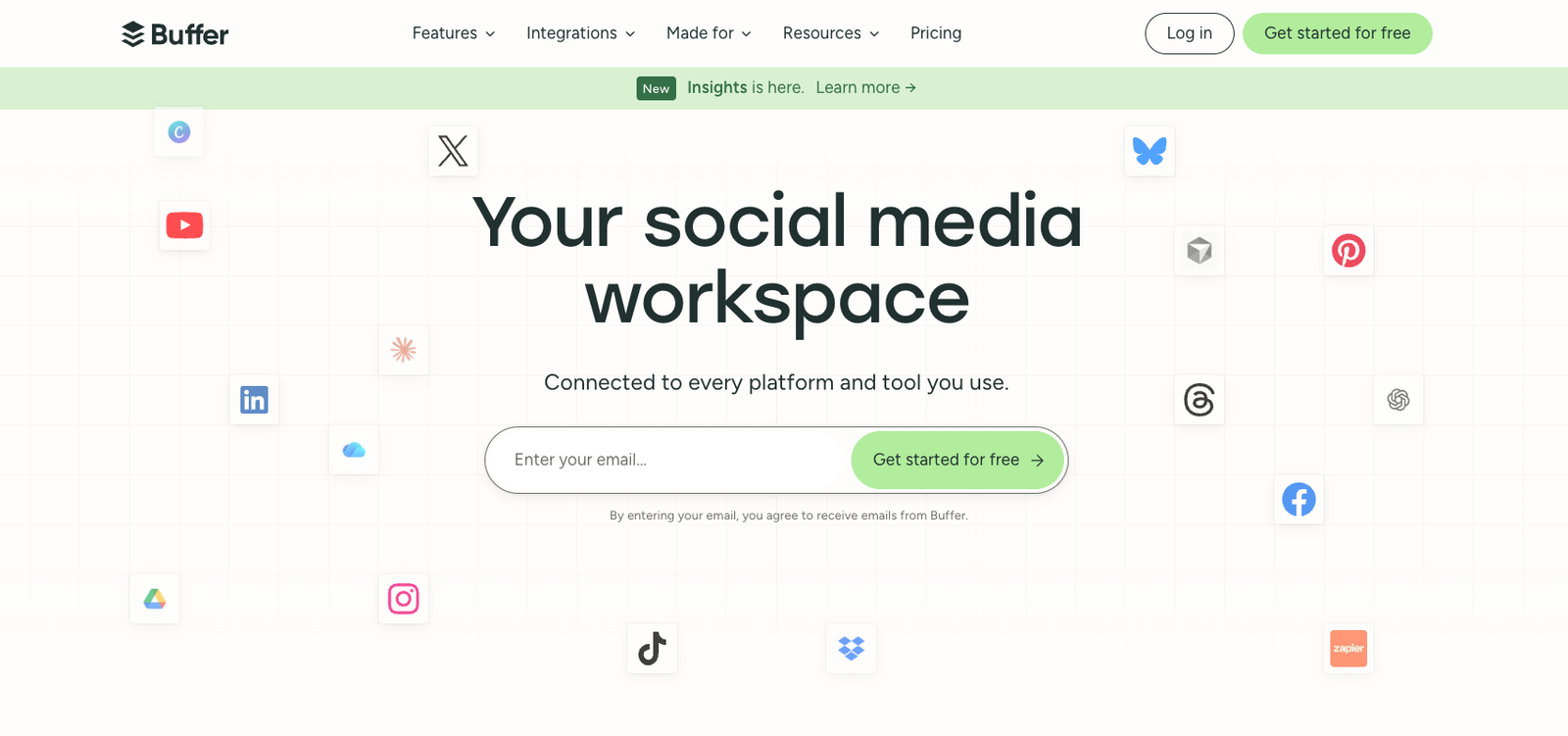
Buffer is a classic social media scheduling app that keeps things simple and calm. You connect your channels, define time slots, and drop posts into a queue that automatically fills your social media posting schedule. I have used it many times when helping founders set up their first social media scheduling tool. Its interface feels relaxed and friendly, which is a relief when your brain is already full of campaign details. If you outgrow it, I compared nine Buffer alternatives in a separate post.
Pros
-
Very easy onboarding for beginners who just learned how to schedule social media posts.
-
Queue based approach makes it simple to maintain a consistent cadence across social media posting apps.
-
Handy browser extensions and mobile social media posting tools make sharing content from anywhere extremely convenient.
- Supports social media scheduling api
Cons
-
Built in analytics are practical but not as deep as dedicated analytics platforms.
-
Content approval and collaboration features are more basic compared with some enterprise focused social scheduling tools.
-
Power users may outgrow the simple queue model and need more complex campaign structuring.
3 Hootsuite
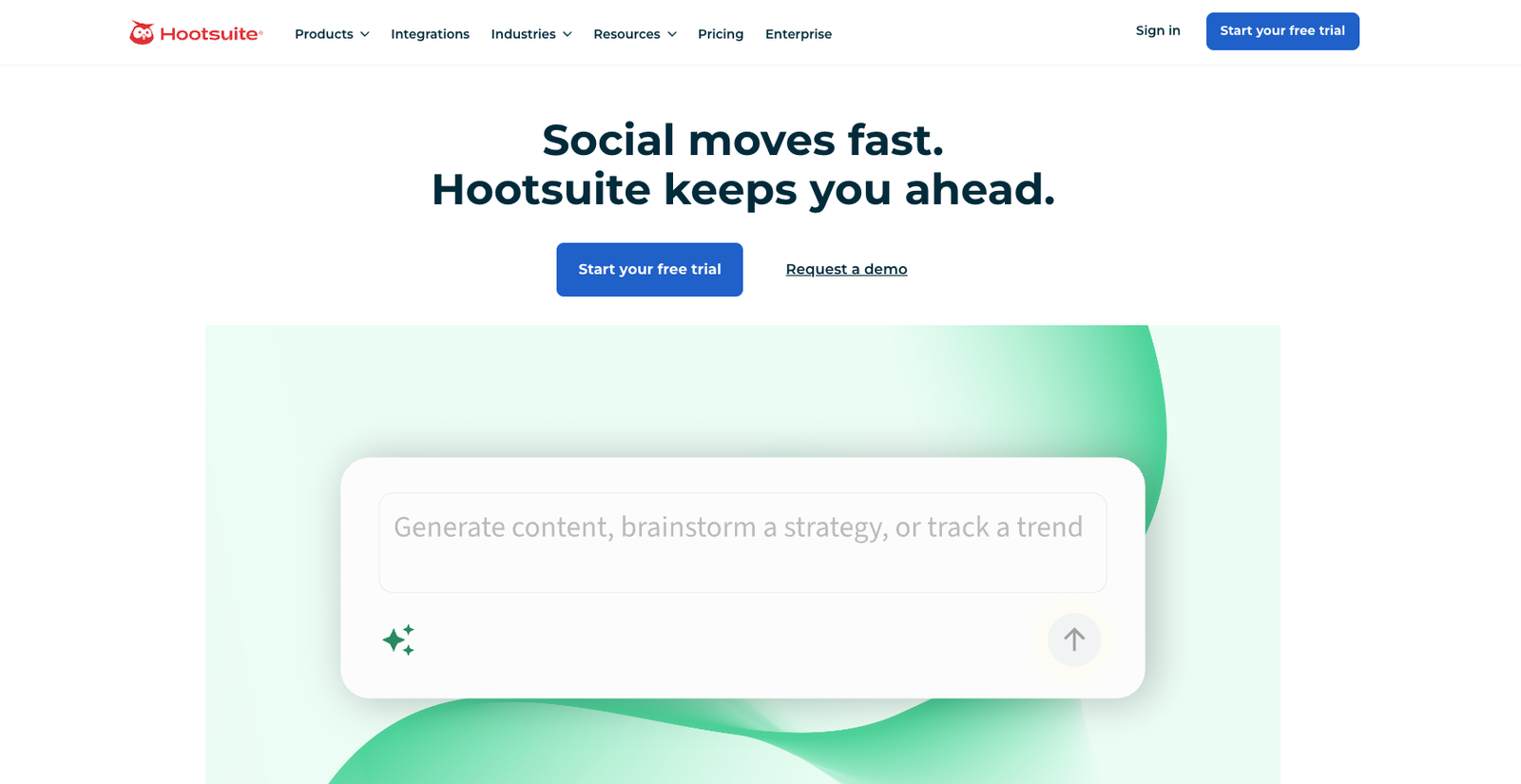
Hootsuite is one of the most established social media scheduling platforms on the market. It combines a social media post tool with monitoring streams, engagement inboxes, and advanced reporting. I often see it inside agencies and larger marketing teams that manage many brands at once. If you want a single hub for social media publishing platforms and listening, this platform still delivers serious muscle. If listening is the main job rather than publishing, see my list of social listening tools.
Pros
-
All in one dashboard for scheduling social media posts, monitoring conversations, and tracking basic analytics.
-
Supports many social media posting platforms, including more niche networks that some tools ignore.
-
Strong team features with permissions, assignments, and shared content libraries for large workflows.
Cons
-
Interface can feel busy, especially if you only need a simple social media scheduling tool.
-
Pricing can climb quickly when you add more users or advanced reporting modules.
-
Learning curve is steeper than lighter social media scheduling apps aimed at solo creators.
4 Sprout Social
Sprout Social positions itself as a premium social media scheduling platform with customer care and analytics. You get a polished content calendar, social media publishing tools, and detailed reports on audience engagement. When I work with brands that treat social as a strategic communication channel, Sprout often appears in the conversation. It feels like a full communication command center rather than a simple social posting tool.
Pros
-
Robust reporting helps justify your social media posting schedule to leadership with clear metrics.
-
Built in social inbox centralises messages and comments from multiple networks in one place.
-
Collaboration tools, tasks, and approval flows assist larger teams managing sensitive brand content.
Cons
-
Premium pricing means it is rarely the best social media scheduler for small business budgets.
-
Many features may remain unused if you only want to schedule social media, not manage support.
-
Implementation and onboarding require more time than lightweight social media scheduling apps.

5 Later
Later started as an Instagram first social media scheduling tool, then expanded to other networks. It is particularly strong for visual planners who like a grid based calendar and media library. I love using it when brands live on Instagram or Pinterest and need strong visual planning. If your team thinks in pictures rather than spreadsheets, this social media scheduling app feels natural.
Pros
-
Excellent visual planner for image heavy content and grid previews on visual networks.
-
Media library with tags lets you reuse assets and organise campaigns without chaos.
-
Helpful presets make it simple to schedule social media posts for multiple channels from one upload.
Cons
-
Less suited for text heavy platforms where threads and long posts matter most.
-
Analytics focus more on visual performance than complex multi channel attribution.
-
Some advanced features sit behind higher pricing tiers that may stretch smaller teams.
6 Metricool
Metricool blends social media scheduling software with analytics, competitor tracking, and ad performance reports. It is popular among agencies and consultants who want a mix of planning and reporting. I enjoy how it visualises the whole social media posting schedule alongside performance charts. That overview makes it easier to adjust content scheduling in response to trend changes.
Pros
-
Unified calendar for content scheduling across networks, paid campaigns, and sometimes even blog posts.
-
Competitive analysis tools help you benchmark your social media schedulers performance against rivals.
-
Reporting templates make client communication about results much faster and more consistent.
Cons
-
Interface has many panels, which can be overwhelming on the first few visits.
-
Some features lean heavily toward agencies rather than solo creators or micro brands.
-
You still need a separate deep analytics stack if you want strong website behavioural insights.
7 SocialBee
SocialBee focuses on evergreen content scheduling and category based queues. You group posts into buckets, like educational tips or promotions, and the social media scheduler rotates through them. This approach keeps your social media posting tools from repeating the same theme too often. I like it for coaches, consultants, and creators who juggle several content pillars.
Pros
-
Category based queues provide a simple method for balancing different content types automatically.
-
Strong support for recycling evergreen posts extends the life of your best content pieces.
-
Useful for social media scheduler for small business owners who want structured variety without complicating planning.
Cons
-
Requires initial setup work to define categories and load enough content into each queue.
-
Might feel rigid if you prefer day by day manual adjustments to your social media posting tools.
-
Interface is functional but less glossy than some polished social media scheduling platforms.
8 SocialPilot
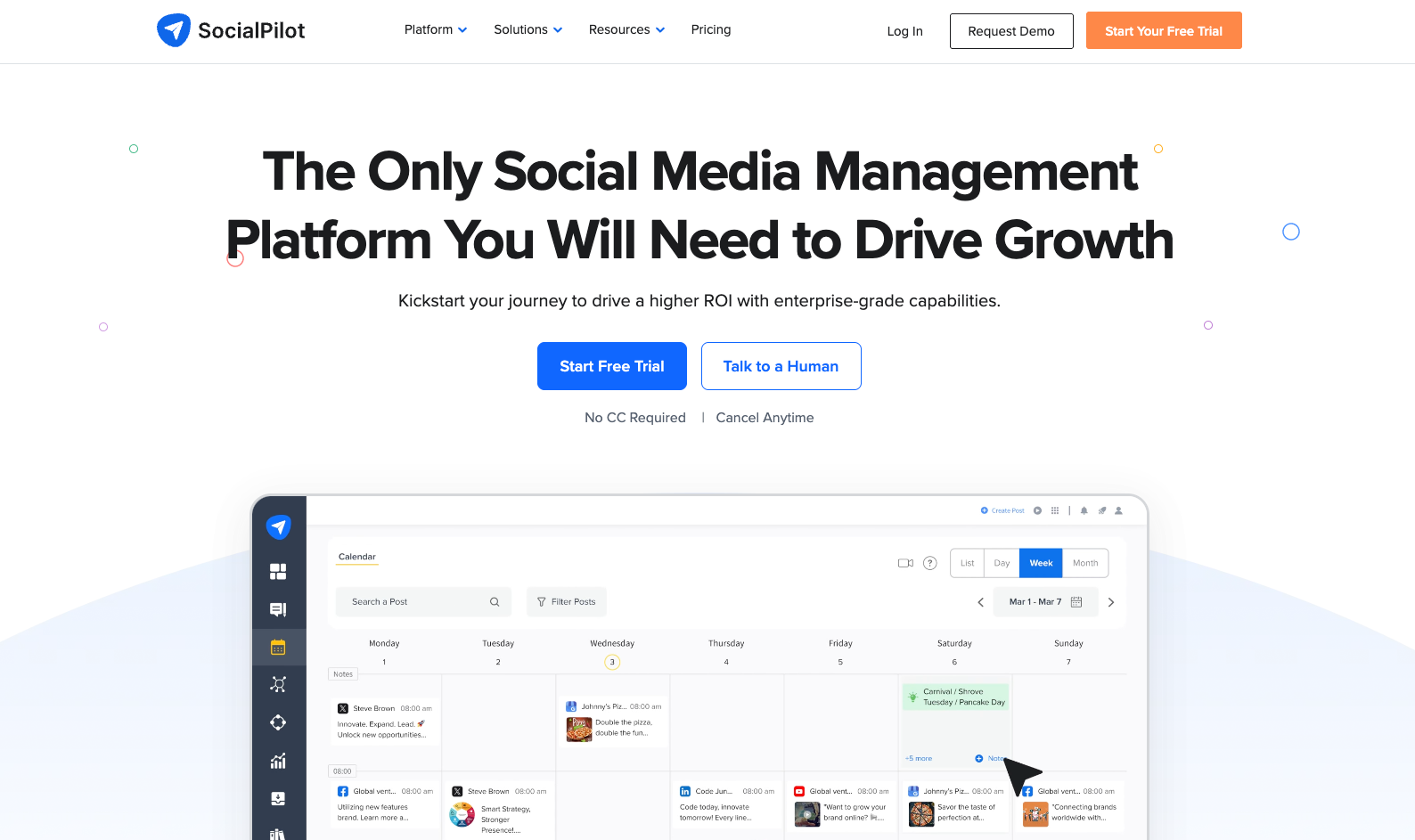
SocialPilot is a cost effective social media scheduling platform geared toward agencies and freelancers. It offers bulk upload, client management, and a clean calendar that covers many social media posting platforms. I often see it chosen when teams want agency grade features without enterprise pricing. It feels like a practical option for people who care more about capacity than flashy designs. If it is not quite right for you, I compared ten SocialPilot alternatives in a separate post.
Pros
-
Supports large volumes of scheduled posts, ideal for agencies with many client calendars.
-
Offers white label reporting options, useful for agencies positioning themselves as full service partners.
-
Affordable structure compared with similar social scheduling tools targeting professional teams.
Cons
-
Interface style is straightforward but less refined than premium competitors.
-
Some features require configuration and experimentation before workflows feel smooth.
-
Not as focused on deep content collaboration compared with heavy enterprise suites.
9 Agorapulse
Agorapulse combines a social media scheduling tool with a very strong inbox and moderation system. It is popular among brands that receive many comments and messages across channels. I like how it pairs content scheduling with community management, which keeps engagement from slipping through cracks. Your social media scheduling platform becomes a control room for conversations.
Pros
-
Unified inbox for comments, mentions, and messages from multiple networks.
-
Scheduling social media posts, monitoring, and reporting live under one roof for efficiency.
-
Useful labelling and saved replies speed up community management for busy teams.
Cons
-
Pricing targets businesses that treat social as a major support channel, not hobby projects.
-
Some smaller teams may find the moderation tools unnecessary overhead.
-
Takes time to fully configure inbox rules and moderation workflows.
10 Sendible
Sendible is built with agencies in mind, offering a flexible social media scheduling app and strong client management features. You can manage multiple brands, maintain separate approvals, and even integrate with blogs and other content sources. In my experience, it shines when you need one dashboard to coordinate many smaller client accounts. The social media posting tools feel robust enough for professionals.
Pros
-
Strong brand and client separation keeps multi account work organised and secure.
-
Flexible integrations with blogs and feeds help automate parts of social posting.
-
Custom reports allow agencies to showcase the impact of social media scheduling work.
Cons
-
Interface has many options that can intimidate new users at the beginning.
-
Best suited to teams rather than solo creators who only need a basic free social media scheduler.
-
Performance depends on careful setup of permissions and account structures.
11 Loomly
Loomly presents itself as a brand centric content scheduling platform with helpful guidance for each post. It offers suggestions, previews, and approval flows that help keep brand voice consistent. I appreciate how it supports teams that want structure around ideas, not just an empty grid filled with posts. It feels like a content studio and social media post tool mixed together.
Pros
-
Idea and suggestion features assist with creative blocks when filling the calendar.
-
Strong collaboration and approval flows are ideal for teams with brand guidelines.
-
Visual previews show how posts will appear across different social media posting apps.
Cons
-
May be more process heavy than necessary for solo creators with simple needs.
-
Pricing reflects its team focus rather than a basic social posting tool.
-
Analytics answer core questions but might not replace a dedicated insight stack.
12 CoSchedule
CoSchedule extends beyond social media schedulers into full marketing calendar territory. You can organise blogs, newsletters, and social media publishing tools in one place. I like it especially for content heavy teams who want every task mapped onto a shared schedule. It moves social media scheduling into the broader context of campaign management.
Pros
-
Unified marketing calendar aligns blog posts, campaigns, and social posting.
-
Task assignments and workflows help keep teams accountable for deadlines.
-
Social media scheduling tools integrate closely with content planning and blogging platforms.
Cons
-
Overkill if you only care about one or two social channels.
-
Requires strong process discipline to unlock its full benefit.
-
Pricing and complexity can be high for very small teams or individual creators.
13 MeetEdgar
MeetEdgar specialises in evergreen social media post scheduling that continually reuses your best content. You organise posts into libraries, and the social posting tool automatically fills your calendar by category. I like it for thought leaders, educators, and consultants who have large banks of timeless content. Once set up, it keeps your accounts active even when you are busy elsewhere.
Pros
-
Excellent evergreen content recycling supports long term visibility for your best work.
-
Category based structure makes balancing educational, promotional, and personal posts straightforward.
-
Reduces time spent constantly writing new posts by leaning on content libraries.
Cons
-
Not ideal if your strategy depends mostly on timely news or trends.
-
Setup takes effort, since you must build and organise a substantial content library.
-
Interface focuses on function rather than detailed analytic reports.
How to pick the best social media scheduling tool for you
Choosing the best social media scheduler starts with honest questions about your workflow. Do you handle one brand or many clients, and how complex is your approval process. Are you looking for a free social media scheduler to start, or ready for an agency grade investment. When I help teams decide, we map their actual tasks first, then find social media scheduling tools that match the way they already work.
To simplify your decision, pay attention to a few points before committing fully.
Check which networks each tool supports, how easy it is to adjust your social media posting schedule, and whether analytics are enough for your reporting needs. Think about content scheduling features such as queues, libraries, and evergreen reposting. Finally, consider collaboration, because the right social media scheduling platform should make teamwork easier, not noisier.
Frequently asked questions
Which scheduling tool automatically assigns categories, formats and a daily post list?
SocialBee and MeetEdgar are the two built around this idea. You define categories (tips, promos, testimonials, memes, whatever), load posts into each bucket, set how often each category should appear, and the tool builds the daily list for you. SchedPilot does something similar with its queues and posting frequency suggestions, and it’s the one I’d pick if you also want AI agents to fill those queues through the API. Buffer and Hootsuite can’t do this well; their queues are single lists with no category logic.
Which tools offer a unified content library for scheduling across channels?
Later has the strongest media library of the group, with tags and labels so you can find an asset months later and reuse it on Instagram, Pinterest, LinkedIn and TikTok from one upload. Hootsuite, Schedpilot and Sendible have shared content libraries aimed at teams and agencies. MeetEdgar treats its entire library as the source of truth and pulls from it forever. SchedPilot keeps drafts, assets and reusable posts in one place too, which matters if several people write for the same accounts.
Which social media scheduler is the easiest to use?
Buffer. You connect a channel, pick a few time slots, drop posts in the queue, done. I’ve set founders up on it in under ten minutes. SchedPilot is close behind and gives you more structure (campaigns, approvals, queues) without the Hootsuite-style dashboard clutter. If “easy” means a visual grid, Later wins for Instagram-heavy teams. I think Schedpilot makes scheduling content the easiest.
Which scheduling platforms have proper analytics and detailed reporting?
Sprout Social has the deepest reporting, and its price reflects that. Metricool is the best value if you want scheduling plus competitor benchmarks and ad reports in the same screen. Hootsuite, Schedpilot, and Agorapulse both do solid multi-channel reporting, and SocialPilot and Sendible add white label reports for client work. Buffer, Later and MeetEdgar cover the basics and not much more, so pair them with a separate analytics tool if reporting to a client or boss is part of your week.
Which tool lets me schedule evergreen content on social media?
MeetEdgar is the purest evergreen recycler. Once your library is loaded it keeps reposting your best pieces indefinitely. SocialBee does the same with category queues and lets you set expiry dates on posts that shouldn’t run forever. SchedPilot supports evergreen queues alongside normal campaigns, which is handy if you want recycled tips mixed with time-bound launches on the same calendar. The other tools on this list can requeue posts manually but don’t automate it.
What are the best tools for social media scheduling and team collaboration?
Loomly, if brand consistency and approvals are the point. Every post gets a preview, comments and an approval step before it goes anywhere. Sprout Social and Hootsuite handle bigger teams with roles and permissions. CoSchedule is the pick when social is one piece of a wider marketing calendar and you want blog, email and social tasks assigned in the same view. For a 3 to 10 person team SchedPilot’s drafts and approvals are enough without paying enterprise money.
Which tools post to Facebook, Instagram, LinkedIn and Google Business Profile at the same time?
Hootsuite, SocialPilot, Metricool, Sendible, Schedpilot and Buffer all support Google Business Profile alongside the big three, so one post can go to all four in a single schedule. Sprout Social and Agorapulse cover Facebook, Instagram and LinkedIn but check their current GBP support before committing, as it has changed over the years. Later and MeetEdgar don’t cover Google Business Profile.
Is there a free social media scheduler that’s actually usable?
Buffer’s free plan covers three channels and a limited queue per channel, which is fine for a solo creator. Later and Metricool both have free tiers with tight post limits. Beyond that most of the tools here offer a trial rather than a permanent free plan. If you manage more than a couple of accounts, the free tiers get annoying fast and a $15 to $30 a month plan pays for itself in the first week.
What’s the best social media scheduler for agencies?
SocialPilot and Schedpilot for volume and price, Sendible for client separation and approvals, Metricool for reporting-heavy accounts, and Agorapulse if your clients generate lots of comments and DMs. Hootsuite and Sprout Social work too but cost considerably more per seat.
What’s the best social media scheduler for small businesses?
SchedPilot or Buffer. Both are quick to learn, cover the main networks, and don’t force you into features built for agencies. Go with SchedPilot if you want queues, approvals and posting-time suggestions, or if you’re automating content with AI agents. Go with Buffer if you want the simplest possible queue and nothing else.
Which social media schedulers have an API I can build on?
SchedPilot has a public API and native MCP support, so you can drive it from n8n, Claude, Codex or a custom script. Hootsuite has an API but it’s gated behind a partner program. SocialPilot and Sendible offer APIs on higher plans. Buffer’s API has been closed to new users for years, so don’t plan around it.
what is the best social media scheduling platform for housing organisations ?
We think and recommend Schedpilot for the affordable pricing and for the workspace features, and also Buffer too.
what is the best tool to schedule posts across multiple networks ?
The best to tool to schedule posts across multiple networks are schedpilot and buffer because of affordability and good pricing and the fact that you as a small agency or small business can easily control things.
what is the best social media scheduling platform for enterprise
The best enterprise solution is sprout social because it offers robust analytics, but also the pricing is enterprise too, so this wont be cheap.
which social media tool allows scheduling posts for different brands
A lot of the tools from this list allow you to connect multiple accounts, but if you want a simple to use and affordable tool that has workspaces to separate brands and each of their accounts, then its Schedpilot.
what’s the best content scheduling software for automatically assigning category, format, and daily post list?
Many of these tools in this list let you generate content now with the help of AI. I think you should go with an app like SchedPilot or other that lets you connect to claude/chat gpt with MCP and let you draft posts on autopilot.
What is the cheapest social media scheduler ?
We think Schedpilot is the cheapest social media scheduler if you manage more than 20 accounts, because with 100 accounts, you will pay just $99 per month. Compared to that for buffer you need to pay around $300 for 100 accounts.
what is the most efficient way to manage multiple social media calendars?
The most efficient way to manage multiple social media calendars is to use a social media scheduler app like Schedpilot which comes with a calendar and a workspaces function, where you can separate customers with multiple social media accounts each.
what are the best tools for social media management to improve engagement and scheduling?
The best tool to improve engagement and scheduling is Schedpilot because it lets you create content via ai agents, and that can improve your content which leads to better engagement.
which social media schedulers offer bulk scheduling and content recycling?
One of the best social media schedulers whic offers bulk scheduling and content recycling is Schedpilot, but also others can do that.

Conclusion
The landscape of social media scheduling tools is crowded, but that is good news for your strategy. There was never a better time for content scheduling applications because you have so many options for media planning platforms, to choose from.
Whether you choose SchedPilot as your main social media scheduler or combine several social media posting tools, you now know what each one brings to the table. The goal is not just to schedule social media, but to build a sustainable system that keeps your brand visible while protecting your focus. Once your social media scheduling software is running smoothly, you can spend more time testing ideas and less time chasing publish buttons.
Pick one tool, start small, and let your data guide future decisions. Adjust your social media post tool as your business grows, your audience changes, and your content scheduling becomes more ambitious.
In the end, the best social media scheduling tools are the ones you actually use every week, not the ones that just look impressive in screenshots.
And remember, if your entire social strategy lives in your head and not in a calendar, your social media scheduler is probably already silently judging you.